

Download DVD Ripper - Rip DVD – DVD Ripper, rip DVD, convert DVD to MP4, digital copy, homemade DVD, VOB files, free DVD converter, easy DVD ripping
Overview
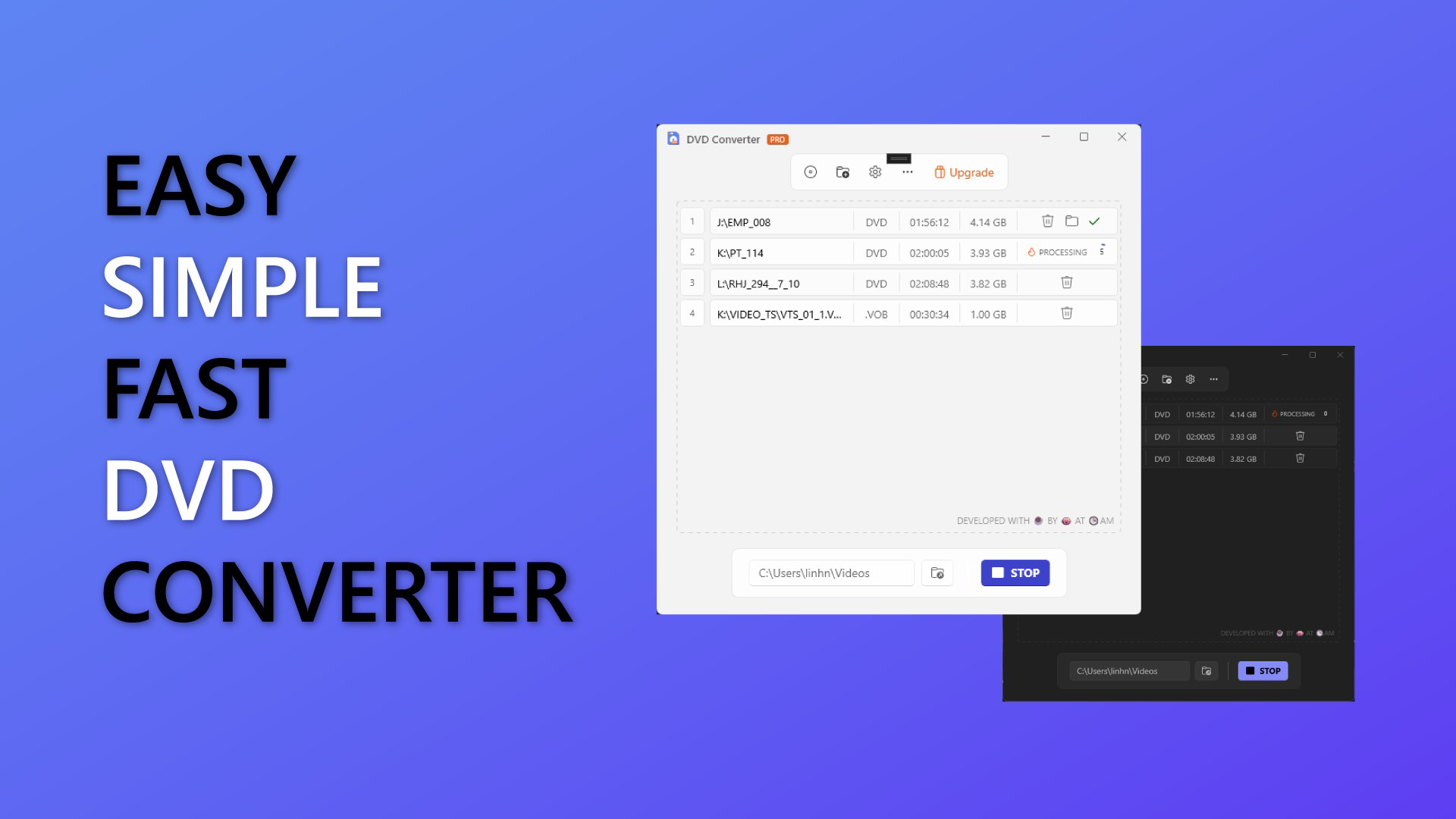
DVD Ripper - Rip DVD is a mobile application developed by SoftPas, designed to assist users in converting homemade DVDs into digital formats for convenient playback across devices. The app’s primary purpose is to enable users to preserve and access their personal DVD collections in modern digital formats, such as MP4, without relying on physical media. It addresses the growing need for digital archiving, especially among users with extensive DVD libraries who wish to transition to more portable and accessible media formats.
Target users include individuals with homemade DVDs—such as family videos, home movies, or self-recorded events—who want to digitize their content for long-term storage or sharing. The app is particularly useful for users seeking a simple, one-stop solution for ripping VOB files or entire DVD disks without advanced technical knowledge. It is not intended for commercial DVDs, as it does not support encrypted discs, which aligns with legal and technical limitations.
Given its focus on user-friendliness and ease of access, the app plays a meaningful role in the productivity and media management ecosystem. By offering a free version with basic functionality, it lowers the barrier to entry for users exploring digital conversion tools. The developer did not provide additional technical details, but the app’s categorization as a productivity tool suggests its utility extends beyond entertainment into personal organization and digital preservation.
Key Features & Functionality
- User-Friendly Interface: The app features a clean, intuitive layout designed to guide users through the ripping process with minimal friction. Even those unfamiliar with digital media conversion can navigate the app’s menus and options without confusion.
- Homemade DVD Support: Specifically optimized for homemade DVDs, the app ensures compatibility with user-created content that lacks commercial encryption, making it ideal for personal media libraries.
- Single File Conversion (Free Version): Users can convert individual VOB files one at a time, which is perfect for testing the app’s performance or processing small batches of content without upgrading.
- Batch Conversion (Pro Upgrade): The Pro version enables users to process multiple files simultaneously, drastically reducing the time required to digitize large collections of home videos or recorded events.
- Full DVD Disk Ripping (Pro Upgrade): This feature allows the complete extraction of entire DVD structures, including video, audio, and subtitle tracks, preserving the original quality and organization of the source material.
For example, a user with a collection of home videos recorded on homemade DVDs can use the free version to convert a single VOB file for immediate playback on a smartphone. With the Pro upgrade, they can automate the conversion of an entire DVD disk or multiple discs in one session, streamlining the digitization of a decade’s worth of memories.
Interface, UX & Performance
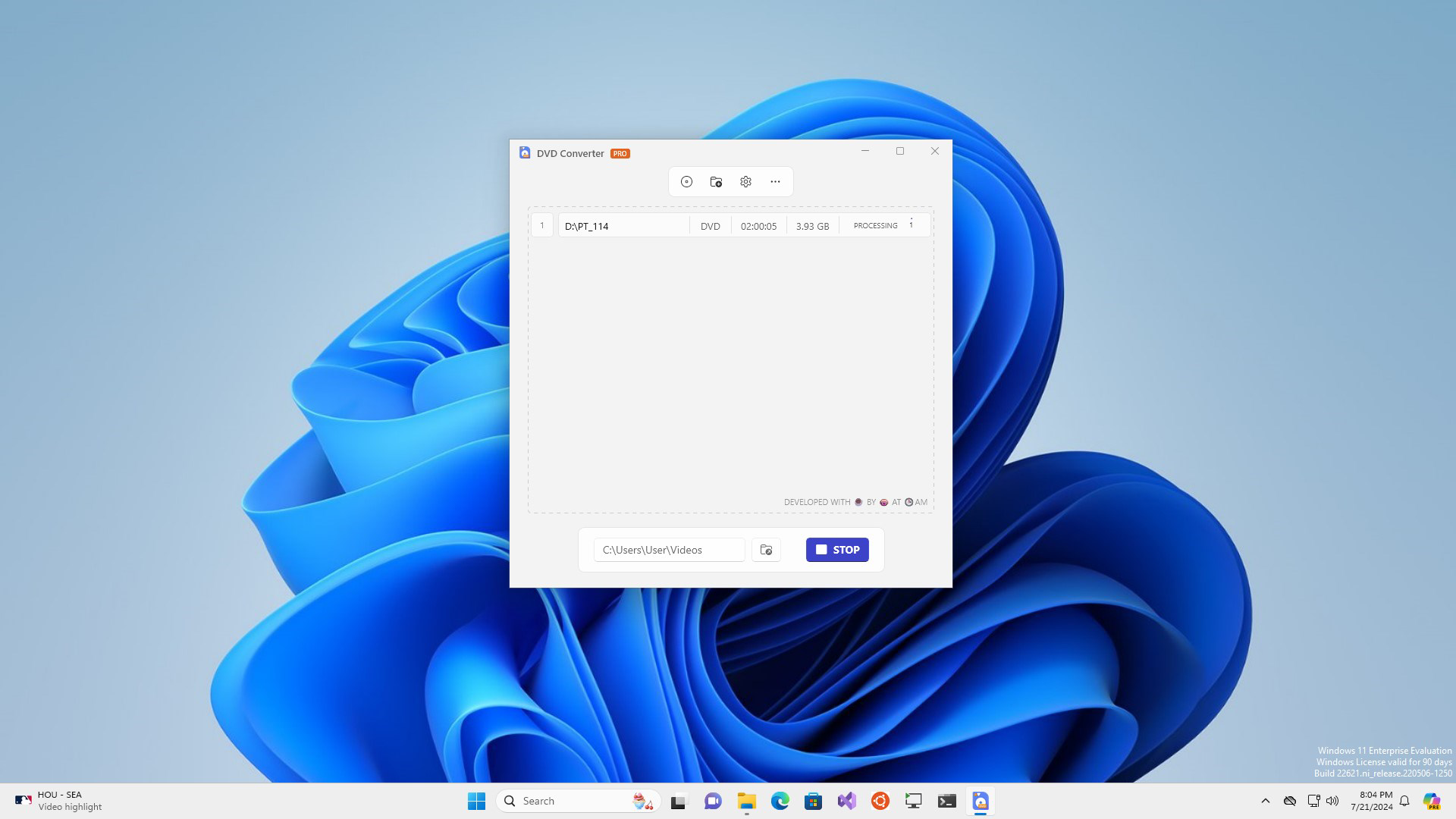
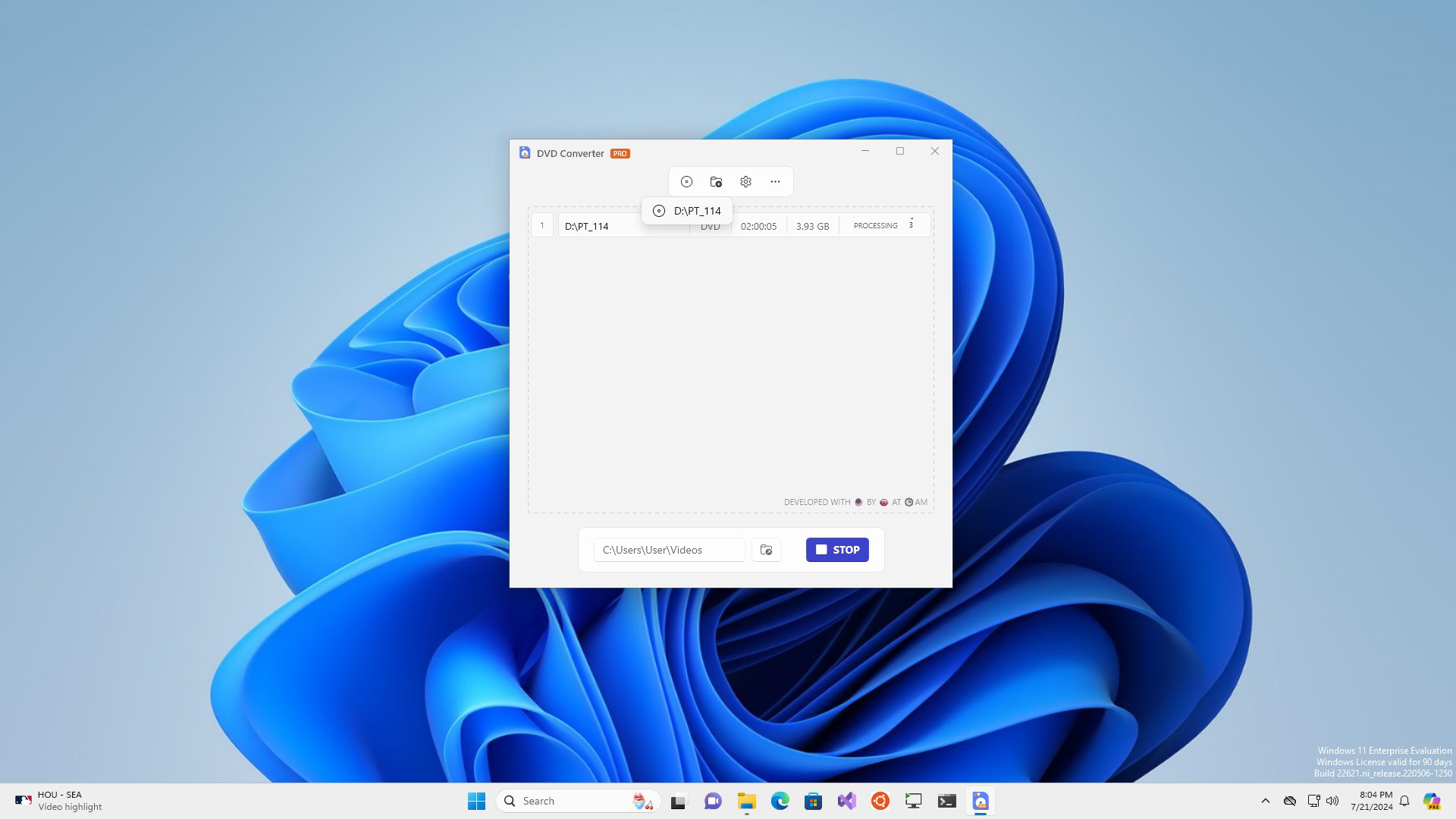
The interface of DVD Ripper - Rip DVD is described as beautifully crafted and intuitive, emphasizing ease of navigation for users of all experience levels. The visual layout appears to prioritize clarity, with well-organized menus and accessible controls that guide users through each step of the ripping process. The app’s design likely supports consistent navigation patterns, reducing the learning curve for first-time users.
Performance details were not disclosed by the developer. However, the app’s file size of 10.4 MB suggests it is lightweight and optimized for efficient operation on mobile devices. Although the developer did not list formal performance metrics, the app’s ability to handle VOB file conversion indicates it is capable of managing standard video decoding tasks. Responsiveness and stability are expected to be adequate for its intended use, especially given the limited scope of its functionality.
Users can expect smooth operation on mid-to-high-end Android devices, though performance may vary on older or low-memory devices. The app does not require extensive processing power, which supports its lightweight nature. Compatibility with various screen sizes and orientations was not specified, but the intuitive interface suggests adaptive design principles may be in place.
Platform Compatibility & Technical Requirements
DVD Ripper - Rip DVD is available exclusively on the Android platform. The current version is 2.0.2, and the app’s file size is 10.4 MB. This compact size indicates efficient code structure and minimal resource usage, making it suitable for installation on devices with limited storage.
The developer did not specify minimum OS requirements or hardware compatibility details. As such, users should ensure their device runs a recent version of Android to avoid potential issues. Compatibility information was not fully disclosed, so installation may depend on the specific device configuration and Android version in use.
Pros and Cons
- Free version allows basic VOB file conversion for testing
- Intuitive interface suitable for beginners and non-technical users
- Specifically designed for homemade DVDs without encryption
- Lightweight app at only 10.4 MB
- Pro upgrade offers batch and full disk ripping capabilities
- Does not support commercial or encrypted DVDs
- Free version limits conversion to one VOB file at a time
- No official information on OS version or device compatibility
- Pro features require in-app purchase to unlock
- Performance and stability details not publicly available
FAQ
Is DVD Ripper - Rip DVD safe to download and use?
Yes, the app is available through official Android channels and is developed by SoftPas. As long as it is downloaded from trusted sources, it is considered safe for use.
Can I use this app to rip commercial DVDs?
No. The app is designed only for homemade DVDs and does not support encrypted commercial discs due to technical and legal restrictions.
Does the free version have any limitations?
Yes. The free version allows only single VOB file conversion. For batch processing or full disk ripping, users must upgrade to the Pro version.
Is the app compatible with all Android devices?
Compatibility information was not fully disclosed. While the app is designed for Android, specific device or OS version requirements were not listed.
How often is the app updated?
The app was last updated on 2024-07-22. The developer has not provided information on future update frequency.
Final Thoughts
DVD Ripper - Rip DVD offers a practical and accessible solution for individuals seeking to digitize their homemade DVD collections. Its user-friendly design, lightweight footprint, and clear focus on non-encrypted content make it a reliable tool for personal media archiving. While the free version provides basic functionality, the Pro upgrade unlocks essential features for users managing larger libraries.
Those who value simplicity, privacy, and control over their digital content will find the app particularly valuable. It stands out in the productivity category by addressing a niche but meaningful need: preserving personal memories in a modern, accessible format.
Download DVD Ripper - Rip DVD now


